01 Colour
Start with your surroundings.
Pick up a tone from the brickwork, doors or planting, or choose a colour that stands apart.
Browse the colours

02 The surface
A surface to
build around.
Compare porcelain colours and patterns, then include your preferred tiles in a RISE enquiry.
Start an enquiryFind your surface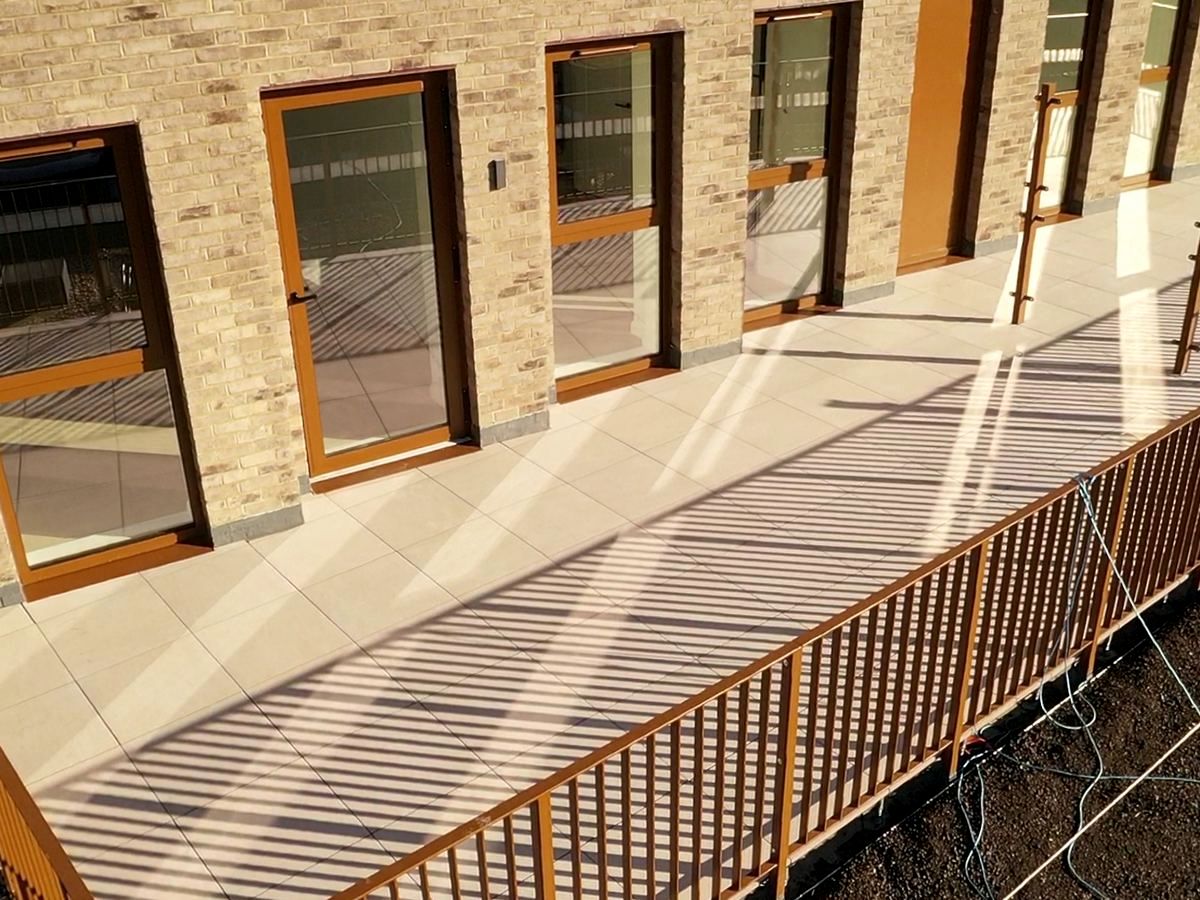
A palette for your terrace
Start with a colour.
01 / The surface studio
Inspect a slab at its listed size, explore a laying study and see how it meets the support.
Preparing your porcelain model…
No other surface in this collection shares this format. Choose another available size to compare finishes.
Drag the centre handle or use the arrow keys.
02 / Porcelain meets pedestal
A finished surface above. An adjustable support beneath. Lift one corner and inspect how the two meet.
Your selected porcelain follows you here.
Junction concept, not a support plan. The outer tile edges are cropped. Slab compatibility, adhesive, any additional supports or backing, loading and roof build-up need project confirmation.
Look beneath your selected porcelain.
Drag in any direction · Pinch to zoom
Slabs are modelled to RF’s listed nominal dimensions, with 20 mm thickness and illustrative 3 mm joints, not a recommended joint width. Edges and undersides are schematic. Material references vary in completeness: the model follows RF’s listed nominal slab proportions, while printed pattern scale, colour and factory face variation need physical sample confirmation.
View the collection and product detailsDiscover what sits beneath01 The collection
Swatches are a guide to colour and pattern. Ask for a physical sample before you decide.
Porcelain from RF Paving.
Open a tile image for a closer look, or follow its RF Paving link for product details.
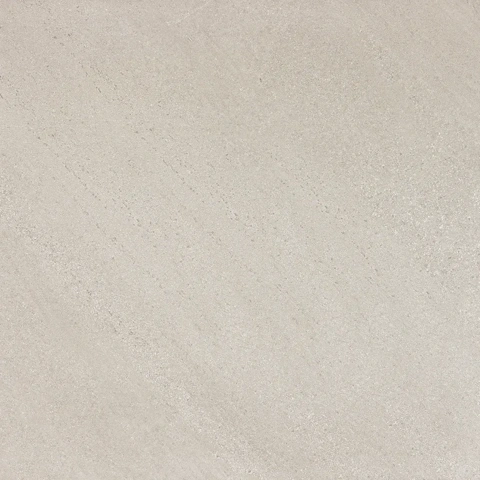

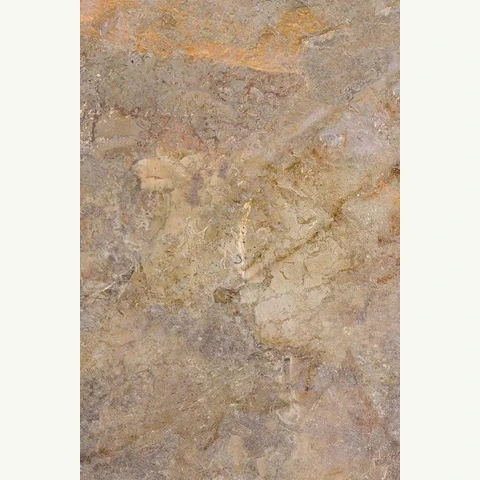
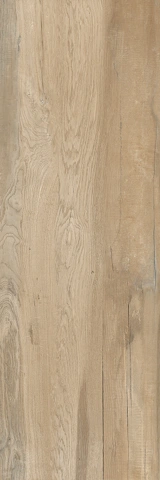
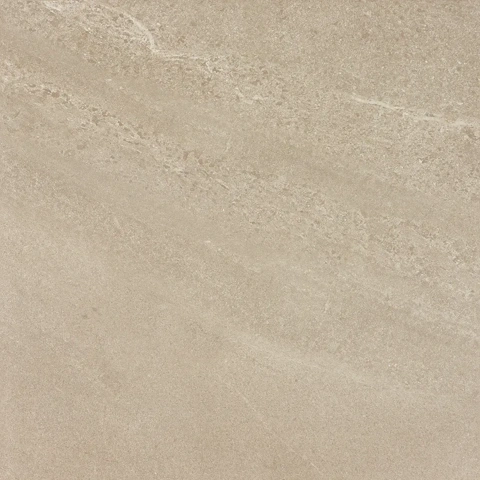

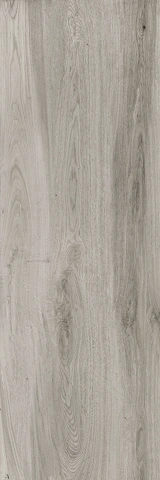
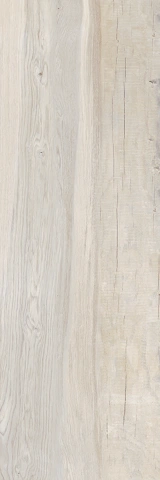
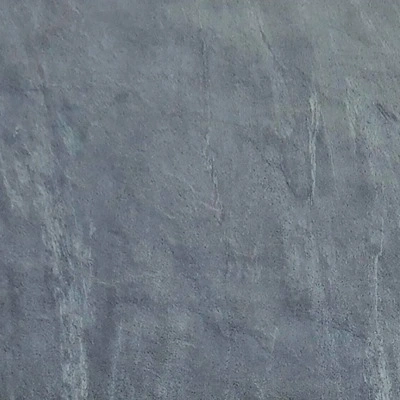



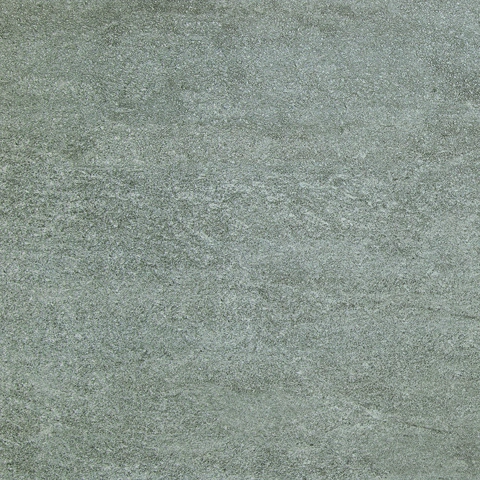
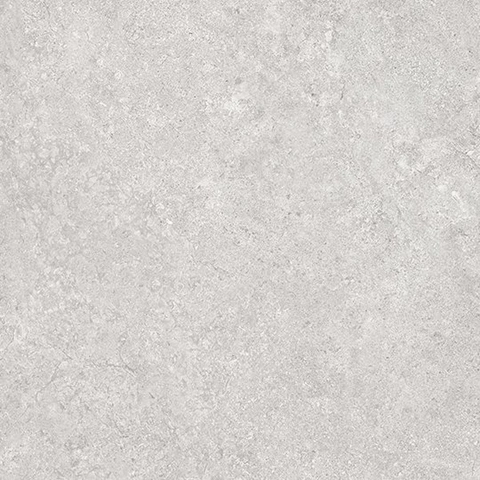
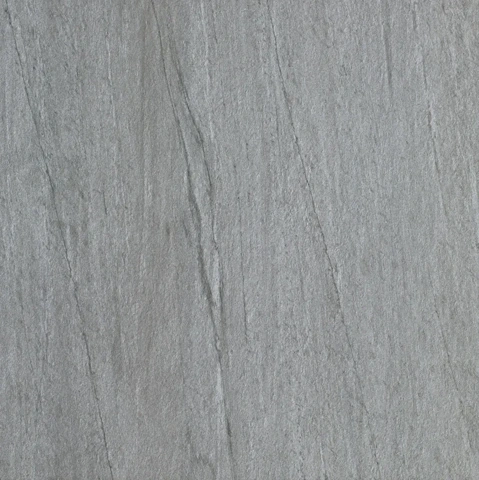
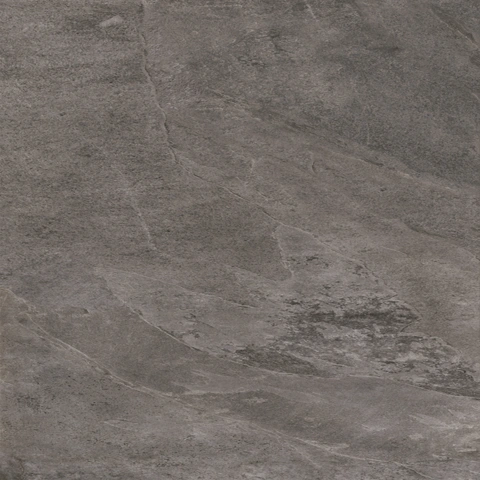
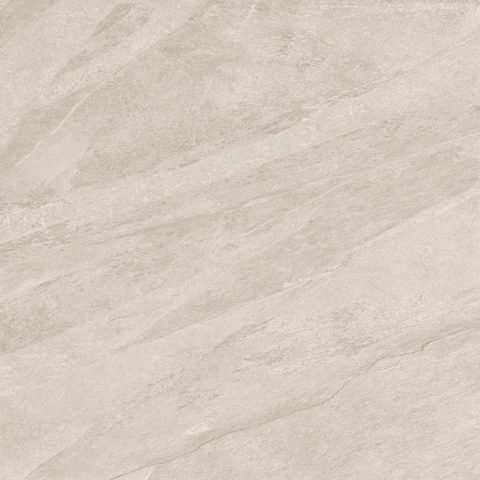
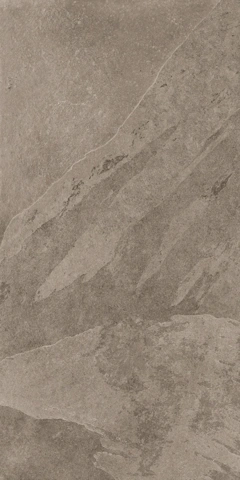

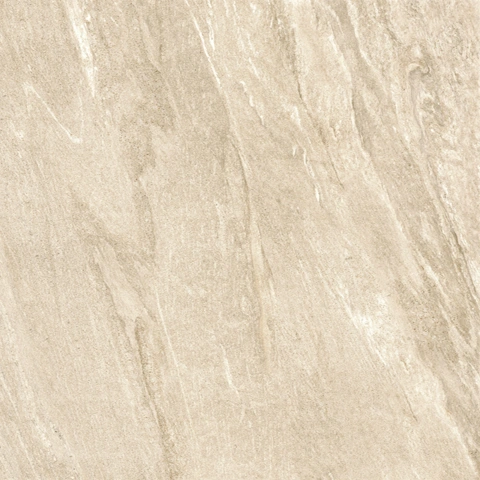

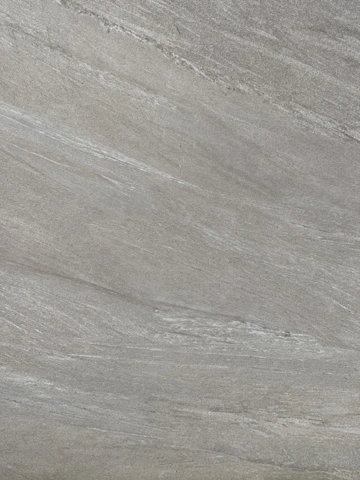
No surfaces match that name and tone. Try another name or clear your filters.
Show more surfaces
Explore the wider RF Paving range, then include your preferred tile names in your RISE enquiry.
02 Compare surfaces
Compare two tiles by colour and pattern.
Start with a pairing below, or choose a surface on each side.
Choose a starting pair
Your comparison
Chorus White / Chorus Beige
Both tile names will be added to your enquiry message.
Enquire about this pairUse these images to compare colour and pattern. Colour can look different on screen. See RF Paving for product details.
03 In a setting
Two views of Chorus White paving.
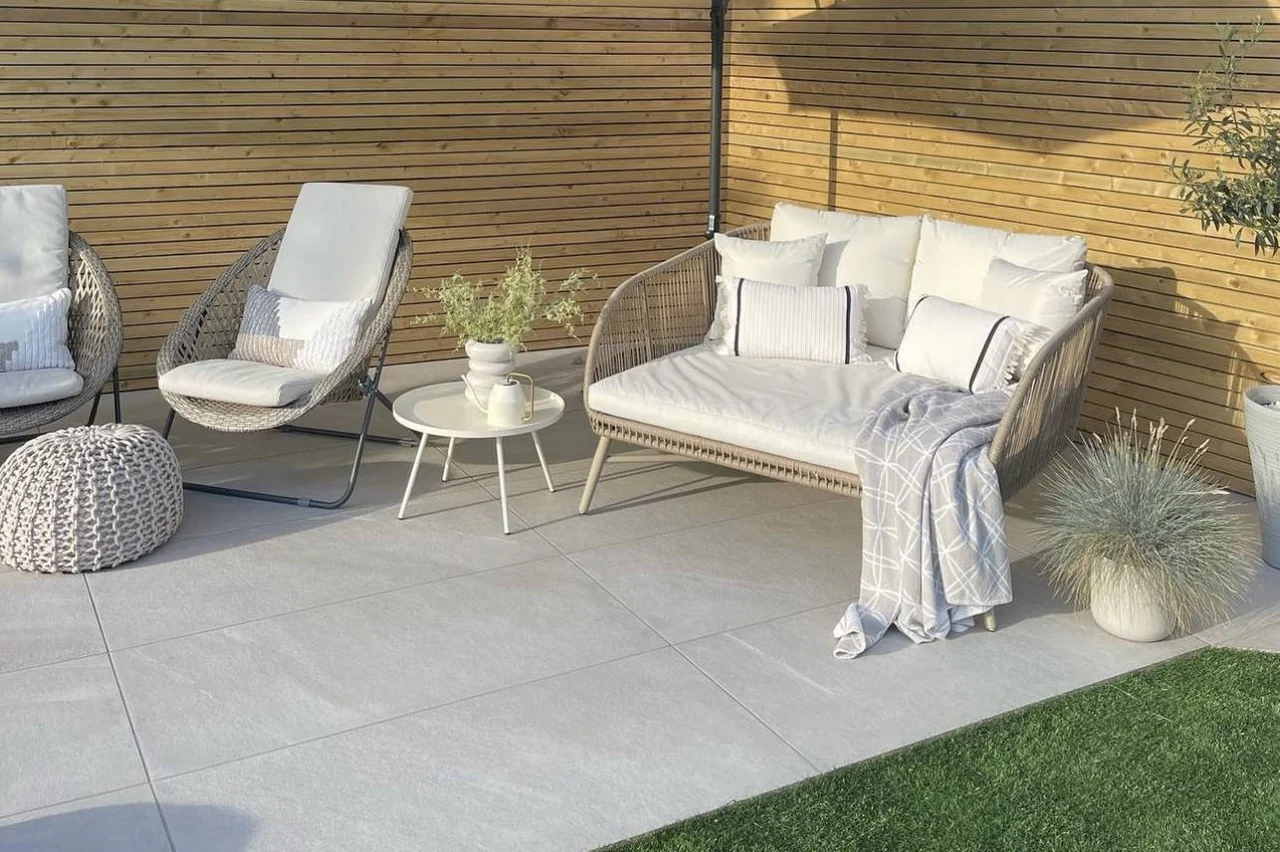
Image unavailable. View Chorus White at RF Paving (opens in a new tab)
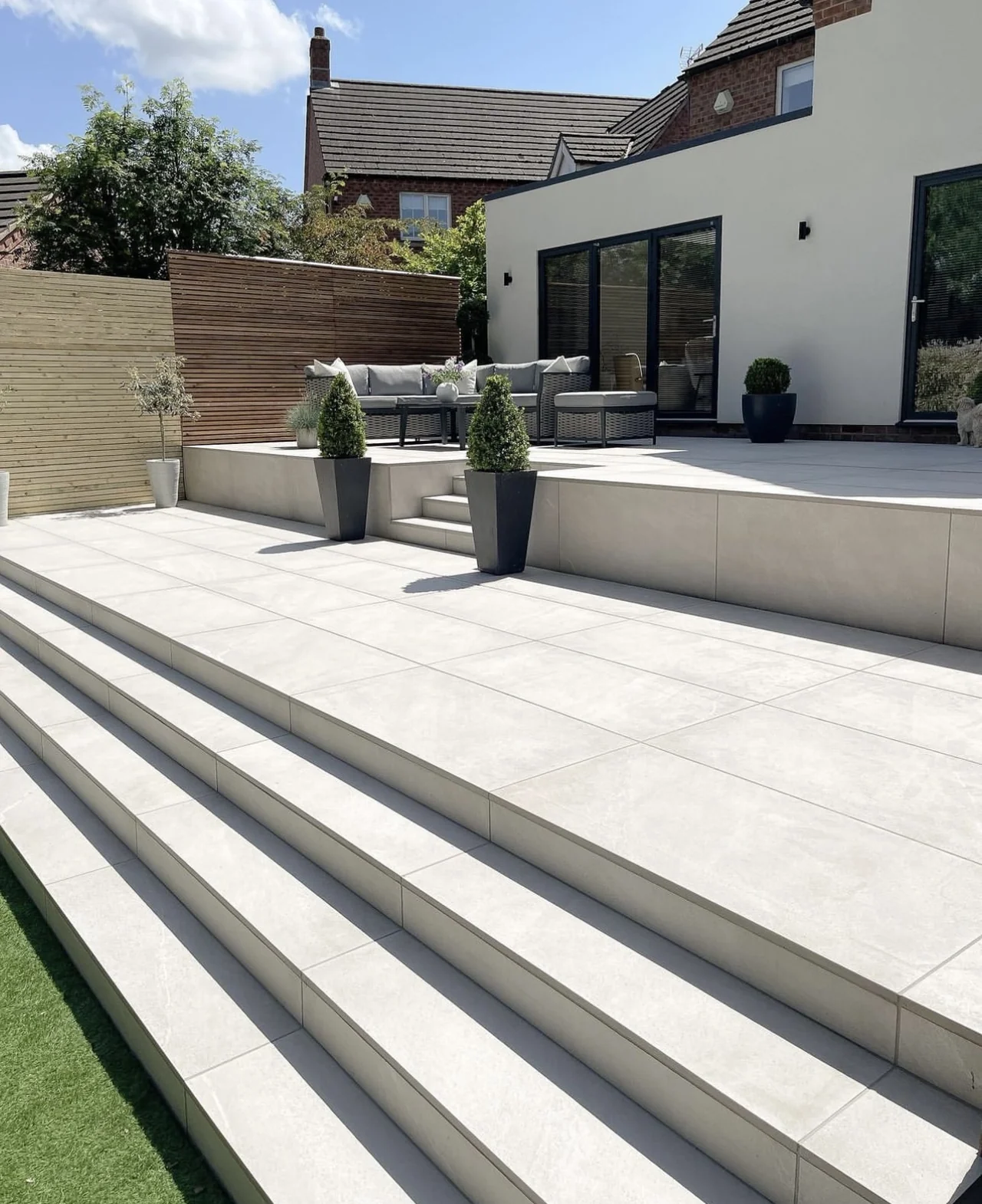
Image unavailable. View Chorus White at RF Paving (opens in a new tab)
The surface in view
From the RF Paving collection.
View at RF Paving (opens in a new tab)Start an enquiry04 Choosing porcelain
Compare your preferred tiles with the building materials, planting and furniture.
Explore the support beneath01 Colour
Pick up a tone from the brickwork, doors or planting, or choose a colour that stands apart.
Browse the colours02 Pattern
Consider how much variation you want across the paved area.
Compare surfacesRaised paving normally uses open joints so water can pass to the drainage layer below. Joint widths, finished falls and drainage details must suit the chosen slab and pedestal system. Mortar-bed paving uses different jointing details.
No. An idea, a project outline or a question is enough to start.
Use Enquire about this pair beneath the comparison. Both tile names will appear in your enquiry message.
Yes. Include pedestals, planters, pergolas or public furniture in the same enquiry.
05 Your enquiry
Include your preferred tiles and a brief description of the terrace. You can enquire before choosing a tile.
Where is your project up to?